



How to Reset the Oil Change Light on a Ford Escape
Seeing the oil change light come on in your Ford Escape can be a little unsettling, but don’t worry, it doesn’t always mean there’s a serious problem. In many cases, it’s simply a reminder that it’s time for an oil change or that the system needs to be reset after maintenance. Whether you’ve just had an oil change or you’re trying to figure out why the light is still on, we’ll walk you through the common causes and show you how to reset the oil change light yourself.
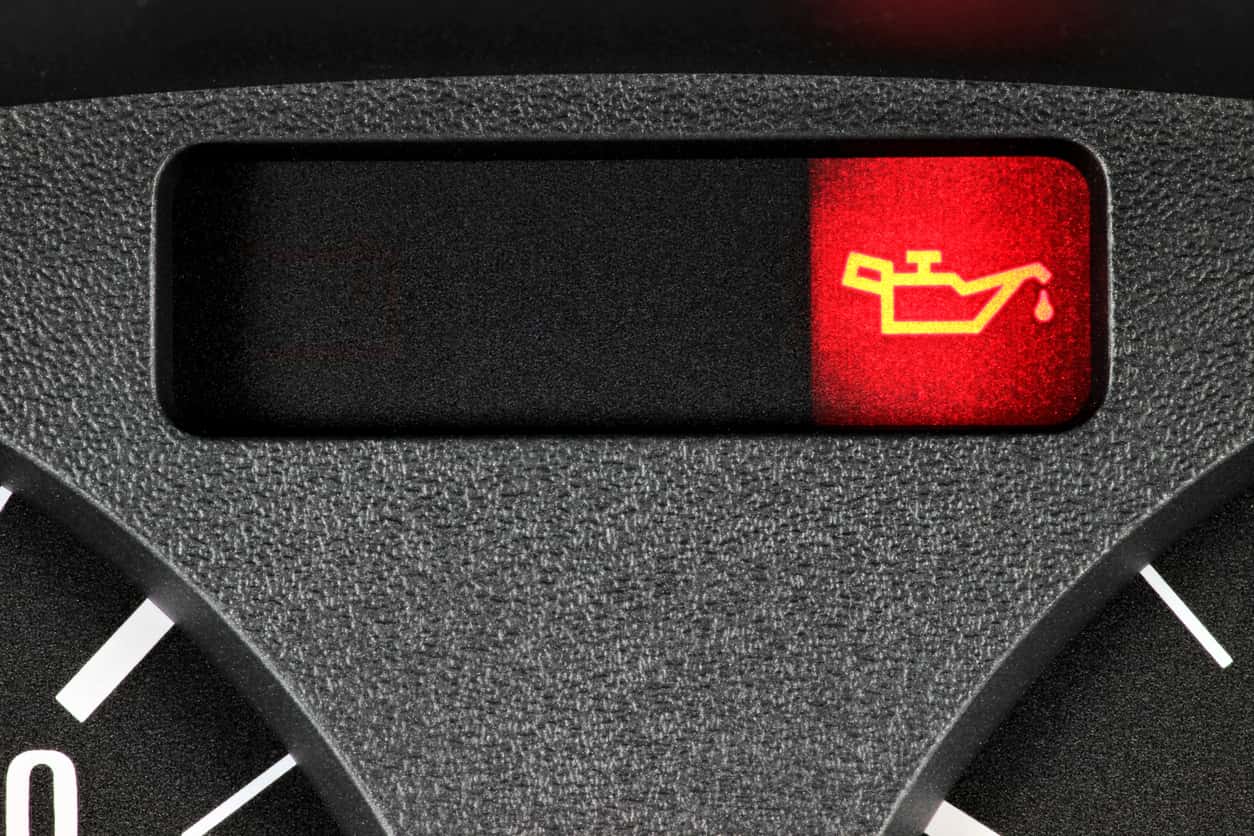
Why Your Oil Change Light May Be On
Your Ford Escape’s oil light can turn on for a few different reasons:
- Low oil: There’s not enough oil in the engine. Add more oil to help your vehicle run smoothly.
- Contaminated oil: If water or fuel gets into the oil, it can make it too thin. This lowers oil pressure and can harm the engine. Use the dipstick to check your oil. If it looks milky, smells bad, or feels thick and sticky, it’s time to visit your Ford service center.
- Oil leak: This could be something simple or a more serious issue. After parking your car, look underneath for any puddles. If you spot oil on the ground, don’t ignore it.
In these situations, changing the oil might make the light turn off automatically. But if it doesn’t, a trained technician can run a quick diagnostic test to find the issue and reset the oil change light for you.
How To Reset the Oil Change Light on a Ford Escape
If you’ve had an oil change but the light is still on, don’t panic. The system may just need a manual reset. Before bringing your Ford Escape to the shop, try resetting the oil change light yourself. The steps are simple:
1. Turn the Car On Without Starting the Engine
Make sure your car is safely parked and turned off. Then, turn the key to the “on” position—just don’t start the engine. If you have a push-button start, press the brake pedal without fully pressing it, and hit the “start” button. This will turn the car on without starting the engine.
2. Scroll Through the Buttons on Your Steering Wheel
Use the buttons on your steering wheel—typically located on the right-hand side—for navigating the display screen in your instrument cluster. These buttons usually include arrows, an “OK” or “Select” button, and sometimes a dedicated “Menu” button. Use the up/down arrows to scroll through menu options until you see “Oil Life” or “Oil Change.”
3. Press and Hold “Reset” or “OK”
Once you’re on the “Oil Life” or “Oil Change” screen, press and hold the “reset” or “OK” button for about five seconds. After a few seconds, you should see a message confirming the oil life has been reset.
4. Turn Off the Ignition
Turn off the ignition to complete the reset.
When you start the car again, the oil light should be off. If it turns back on, it’s a sign that you need a technician to take a closer look.
Contact the Right Service Technicians for the Job
Seeing the oil light on your Ford Escape can be stressful, but in many cases, it’s a quick fix, especially if it just needs a reset after an oil change.
When it’s time for your next oil change or if your vehicle needs more in-depth service, contact Hawk Ford of Carol Stream at (630) 233-9696. We’re here to provide friendly, reliable service.
0 comment(s) so far on How to Reset the Oil Change Light on a Ford Escape